What changed
- HedgePulse TradingView Companion v0.7.0 is available through the official Chrome Web Store listing.
- Chrome now handles installation and approved extension updates.
- The final Web Store build requests only local storage, optional refresh alarms, and access to open TradingView and production HedgePulse pages.
- The HP extension icon is available in the browser toolbar and extension management page.
- Copy Pine script stays visible near the top of the popup while preparation runs. If the connection needs another attempt, the same action becomes Retry Pine preparation.
- The public and signed-in Indicators pages now provide a TradingView product entry, screenshots, and direct installation help.
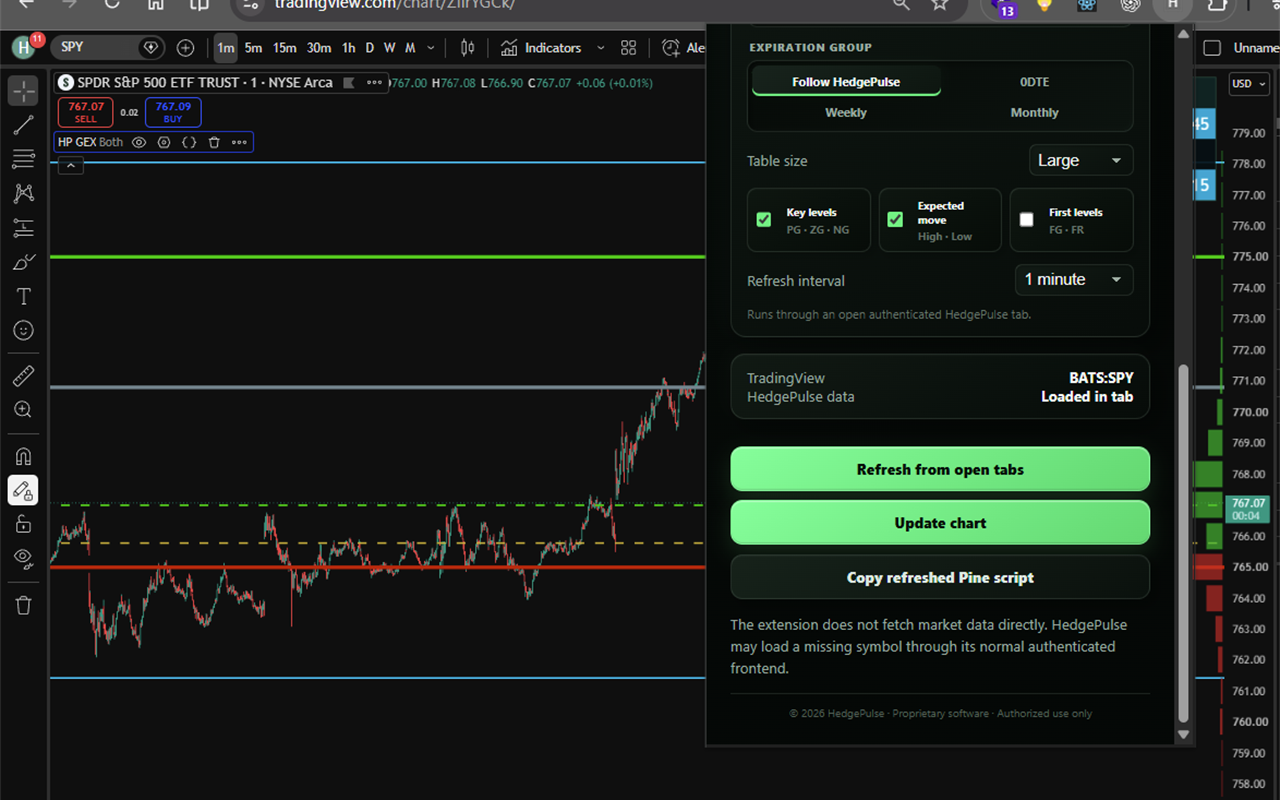
Install or update
Open Install the HedgePulse TradingView Companion for the current setup order. Existing Web Store installations receive approved updates automatically; you do not need a separate ZIP or a new purchase.
Your HedgePulse account and plan still determine which analytics are available. The extension does not execute trades or fetch market data directly.